



TableFlow, one of the vendors in this list, puts a number on what most warehouses already suspect: the average facility loses roughly $390,000 a year to receiving errors. Wrong quantities, mismatched SKUs, and receipts that sit half-entered for days while purchase orders stay open.
If you’ve searched “goods receipt automation software” to fix that, you’ve probably noticed the results are a mess. Half of them are travel-expense scanners built for reimbursing a lunch receipt, not for matching a pallet of raw material against a purchase order. That’s not what you need, and using the wrong category of tool wastes weeks of evaluation time.
This list only covers software built for physical goods receipt automation and inventory receiving automation: capturing packing slips and delivery notes, validating them against purchase orders, and getting clean data into your ERP or WMS. I reviewed product pages, documentation, and published case studies for each platform below, and I’ll tell you plainly where each one is strong and where it isn’t, including our own.
By the end, you’ll know the difference between a tool that extracts data and one that finishes the job, and which of the 12 fits how your receiving dock actually works.
Quick Comparison
| # | Tool | Best For | Mobile Dock Capture | PO Validation Built In | Posts Directly to ERP |
|---|---|---|---|---|---|
| 1 | ThickDot | Warehouse & ops teams, full dock-to-ERP | Yes | Yes, automatic | Yes |
| 2 | TableFlow | Distributors, high-volume PO matching | Yes | Yes | Yes, via WMS sync |
| 3 | Hypatos | Enterprise AP teams, Gartner-recognized IDP | No | Yes | Yes (SAP, Workday, Coupa native) |
| 4 | CrossML | Vision/CCTV box & pallet counting | Partial (CCTV + mobile) | Yes | Yes, via ERP/WMS sync |
| 5 | Procurify | Full procure-to-pay suites with receiving built in | Yes (photo upload) | Yes (3-way match trigger) | Yes, native ERP sync |
| 6 | PackageX (LogiScan) | Retail & building logistics receiving | Yes | Partial (record matching) | Via API to WMS/IMS |
| 7 | Affinda | Developer teams building custom pipelines | Upload-based | No (rules on extracted data) | Structured output only |
| 8 | Docsumo | AP teams running 3-way match at scale | No | Yes (invoice-centric) | Via case management export |
| 9 | Nanonets | No-code teams configuring their own workflow | Upload/email | Configurable | Configurable |
| 10 | Rossum | AP teams adding receipt matching to invoicing | No | Yes (invoice-centric) | Structured output |
| 11 | Unstract | Technical teams wanting a self-hosted layer | No | Configurable | Configurable |
| 12 | VirtualWorkforce.ai | Teams whose documents arrive by email | No | In development | Structured output |
What Is Goods Receipt Automation Software (And What It Isn’t)
Goods receipt automation software captures the paperwork that arrives with a physical shipment, a packing slip, delivery note, or advance shipping notice, and turns it into structured data that’s checked against the original purchase order before it’s posted to your inventory or ERP system. It replaces someone manually keying line items into a screen after every truck pulls away from the dock.
It is not the same thing as receipt-scanning apps built for expense reports. Those tools (Expensify, Dext, Zoho Expense) digitize a coffee receipt for reimbursement. Goods receipt software digitizes a goods receipt note (GRN), a warehouse and procurement document tied to purchase orders, supplier accounts, and inventory levels. Searching the wrong term wastes real evaluation hours, which is exactly why this list sticks to one category.
If you want the fuller mechanics of how a document turns into machine-readable data before it hits your ERP, we’ve written about that process in detail.
What Actually Separates These Tools
Every vendor on this list claims high extraction accuracy, and honestly, most of them deliver it. OCR and LLM-based extraction stopped being the hard problem a couple of years ago. What still separates a tool that saves real labor from one that just moves the labor downstream is what happens after the data is extracted.
Score any vendor you’re evaluating against these four stages:
| Stage | What It Means | Why It Matters |
|---|---|---|
| Capture | How documents get in: photo, scan, email, upload, folder watch, or camera counting | Determines whether your dock team can use it without new hardware |
| Validation | Cross-checking line items against the actual open PO, not just field completeness | Catches short shipments, wrong SKUs, and price mismatches before they become inventory errors |
| Exception handling | What happens when something doesn’t match | Decides whether a human reviews one flagged line or re-checks the whole receipt |
| ERP posting | Whether the tool writes the finished receipt into your system, or hands you a file | This is the step that actually removes manual data entry, not just manual reading |
A tool that stops at capture and validation, and hands you a clean file, still leaves someone opening the ERP and keying it in. That’s a real improvement over pure paper, but it’s not the full fix, and it’s worth knowing which stage each vendor actually covers before you buy. We cover what these discrepancy checks should catch in more depth if you want the full list of exception types a receiving system should flag.
How I Evaluated These Platforms
I looked at each vendor’s own documentation, product pages, and published case studies rather than relying on secondhand review aggregator summaries. For each tool, I checked what document types it handles, whether PO validation is native or something you build yourself, whether it posts directly to an ERP/WMS or exports structured data for someone else to move, and who the product is actually designed for (a warehouse floor worker versus a developer versus an AP clerk). Most of these 12 vendors don’t publish a single standard list price; a few show starter tiers, but enterprise deployment on nearly all of them still comes down to a custom quote, so pricing isn’t a differentiator in this list, transparency about that fact is.
The 12 Best Goods Receipt Automation Software Solutions
1. ThickDot
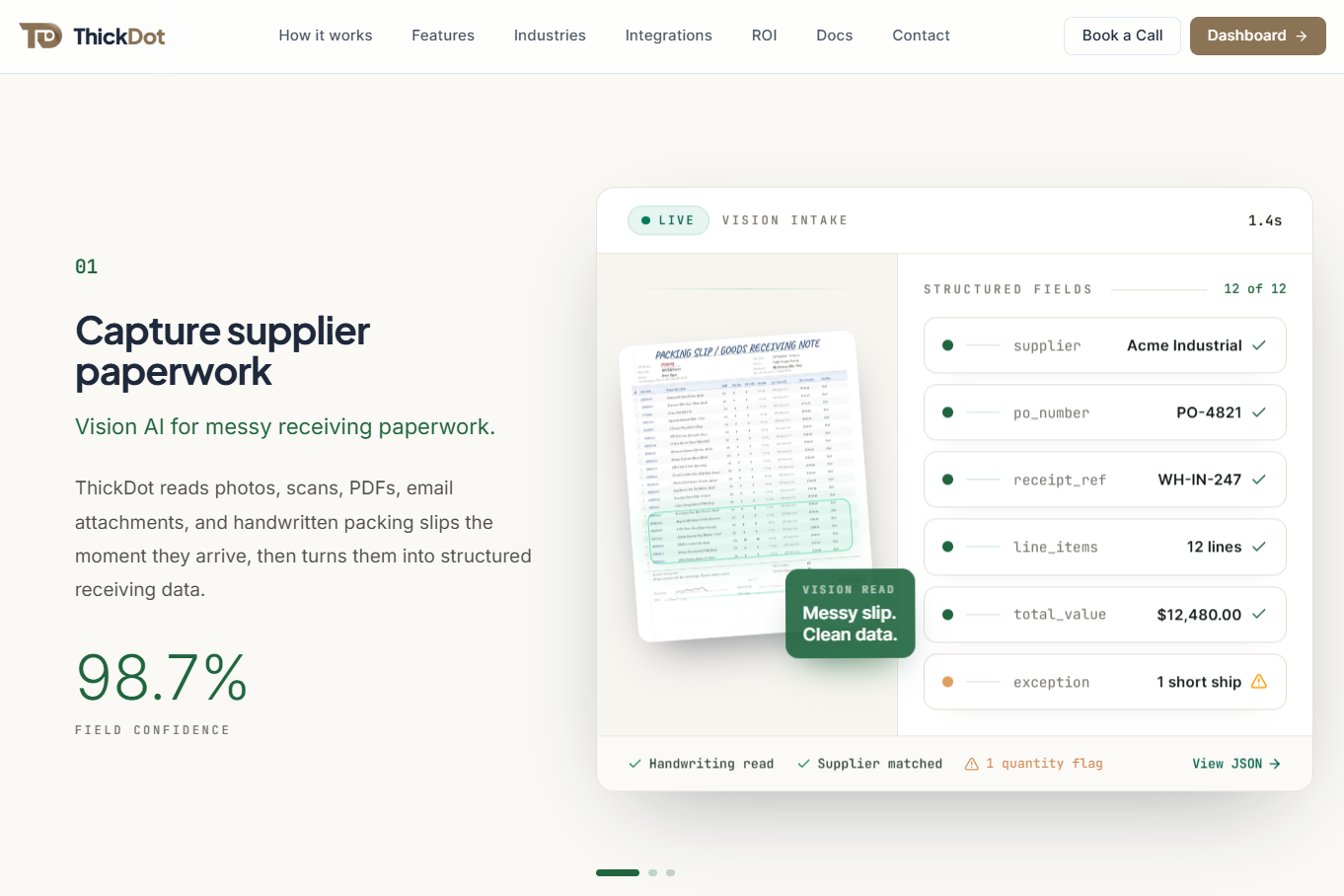
ThickDot is a purpose-built AI receiving agent, not a general document extraction tool with receiving bolted on. It reads supplier paperwork exactly as it arrives: photos, scans, PDFs, email attachments, and handwritten packing slips or carbon copies, using vision AI rather than template matching.
What separates it from most tools on this list is that it closes the full loop. It cross-references extracted line items against the purchase order, invoice, and ASN in one pass, checking quantities, SKUs, supplier names, tax, and totals automatically. Clean lines move straight through. Anything that doesn’t match, a short ship, a wrong part number, gets held with a documented reason for review, and approved receipts post directly into NetSuite, SAP, QuickBooks, or Odoo with a full audit trail attached.
Standout capabilities:
- Mobile capture at the dock from any phone or tablet, no scanner hardware required
- A dedicated AI model per client, refined over time as your team flags processed documents
- Industry-specific workflows for manufacturing, food & beverage, construction, and retail, including lot number and expiry capture for traceability
ThickDot reports a 92% auto-match rate, 98.7% field confidence on extracted data, and clients seeing 96% less manual processing with inventory accuracy improving to 98%. Manufacturing users report 60% faster receiving cycles.
Where it’s still growing: live ERP integrations currently center on Odoo, with SAP, NetSuite, Dynamics, and others on the near-term roadmap rather than available today. If your ERP isn’t yet supported, confirm the integration timeline before you commit. It also doesn’t publish a 400+ connector library the way a general-purpose platform like Affinda does, because it’s built to do fewer things extremely well rather than everything adequately.
Best for: warehouse and ops teams in manufacturing, distribution, construction, food & beverage, or retail who want receiving to run itself, not just get faster to read.
2. TableFlow
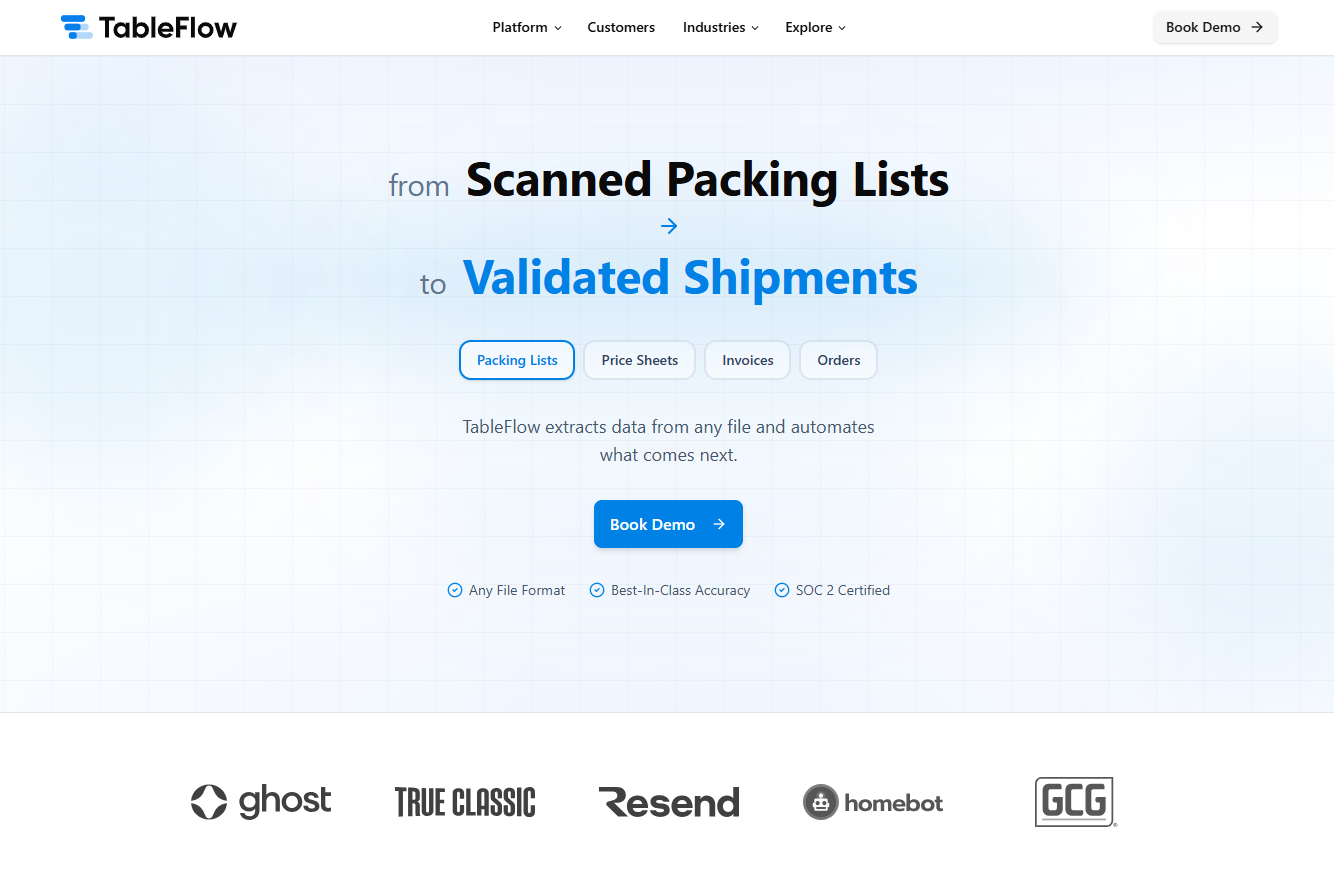
TableFlow focuses on packing list reconciliation at the point of receiving. It reads packing lists from a smartphone, tablet, or existing scanner, extracts every line item, matches it against the open PO, and flags discrepancies before goods move past the dock.
It handles batch codes, expiration dates, and serial numbers for traceability, and syncs with your WMS in real time so inventory counts and putaway tasks update automatically once a receipt clears. TableFlow publishes some of the more specific cost data in this space: it estimates manual PO-to-packing-list matching costs a mid-size distributor roughly $97,000 a year in labor, with 85 to 90% of shipments flowing through as clean, automatic matches once suppliers are onboarded, and typical ROI landing in 8 to 10 weeks.
Best for: distributors processing high volumes of supplier shipments who want dock-side reconciliation tied tightly to WMS updates. It’s a strong direct alternative to ThickDot; see our full side-by-side breakdown if you’re weighing the two.
3. Hypatos
Hypatos is an enterprise agentic platform built for global business services and back-office automation, and it’s one of the few vendors on this list with independent third-party recognition: Hypatos was named a Challenger in the 2025 Gartner Magic Quadrant for Intelligent Document Processing Solutions.
Its Delivery Notes Automation agent is the piece that matters most for goods receipt work. It captures delivery notes however they arrive, email, EDI, carrier portal, or scanned copy, validates them against the open PO for three-way matching, flags mismatches like quantity or unit-of-measure differences before they trigger an invoice hold, and posts the finished goods receipt directly into SAP, Workday, Coupa, or xSuite with a documented audit trail. Hypatos also runs a separate Order Confirmation agent that checks supplier acknowledgments against the original PO before goods even ship, catching price or date changes upstream of the dock.
Hypatos reports a 96%+ match rate between delivery notes and purchase orders, with 90% of standard goods receipts posting touchless and no manual review.
Best for: enterprise finance and shared-services teams running SAP, Workday, or Coupa who want an independently benchmarked platform and are comfortable with delivery notes arriving digitally rather than as paper at a dock. Its strength is structured, high-volume back-office throughput, not a warehouse worker photographing a handwritten note.
4. CrossML
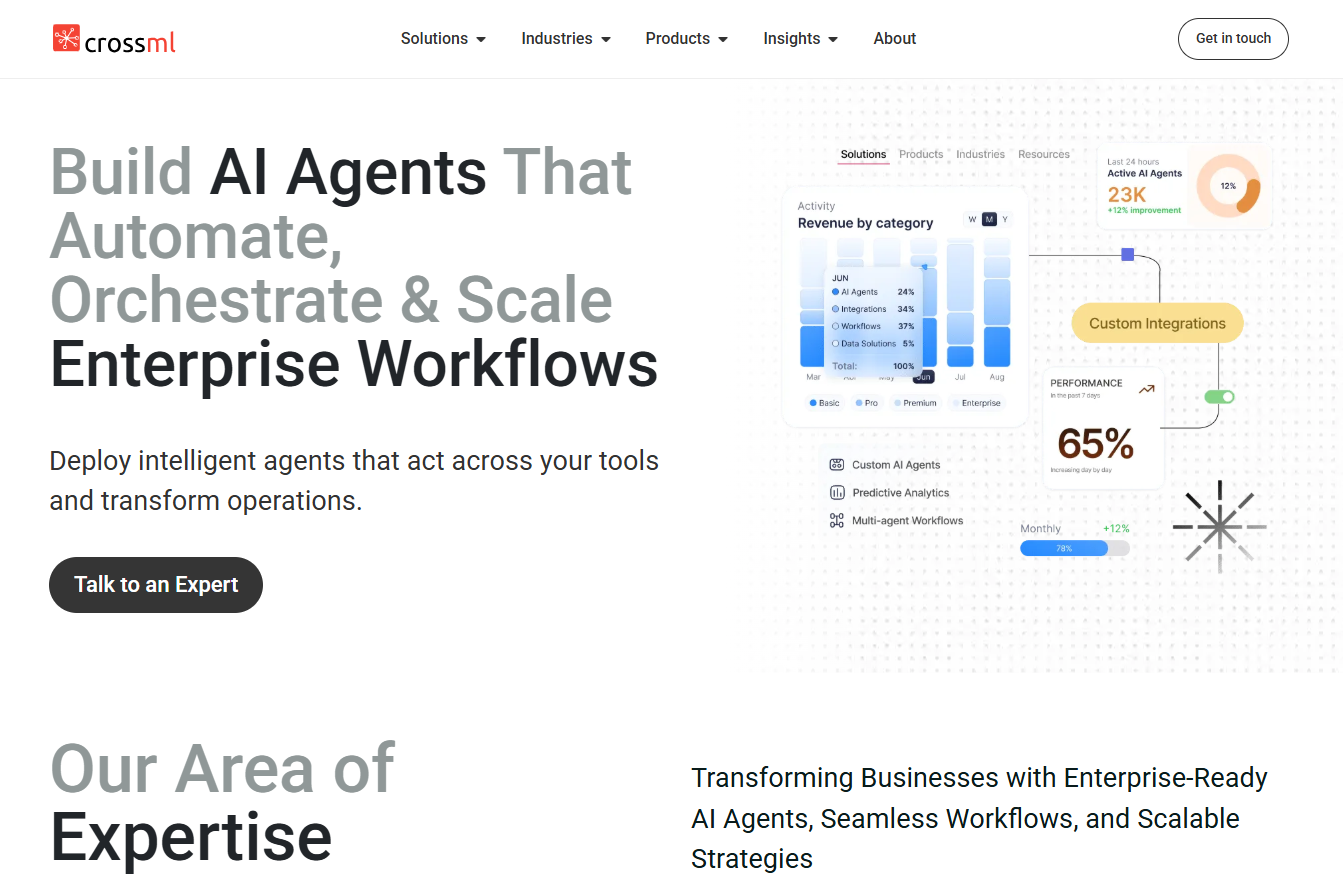
CrossML is an AI development studio that also sells a productized AI Agent for Logistics, built around a different core mechanism than most of this list: computer vision watching the dock in real time, not just document capture.
Its agent uses vision AI and CCTV to count boxes and pallets automatically the moment a truck arrives, alongside slip parsing for the paperwork that comes with it. Once captured, it auto-matches the receipt to the open PO, validates quantities, flags mismatches with reasons, and syncs verified stock data to your ERP or WMS in real time. A published case study with a retail and warehouse client reports a 50% improvement in work efficiency, a 45% increase in operational speed, and a 70 to 80% reduction in human errors after deployment. CrossML also markets a 10x faster receiving claim and a 50% reduction in labor dependency.
Best for: multi-site retail or warehouse operations that want physical box and pallet counting automated alongside document capture, particularly where dock cameras are already in place. It’s a newer, less specialized entrant than the purpose-built receiving tools above it on this list; CrossML builds AI agents across many business functions, and logistics is one product line among several, not the company’s sole focus.
5. Procurify
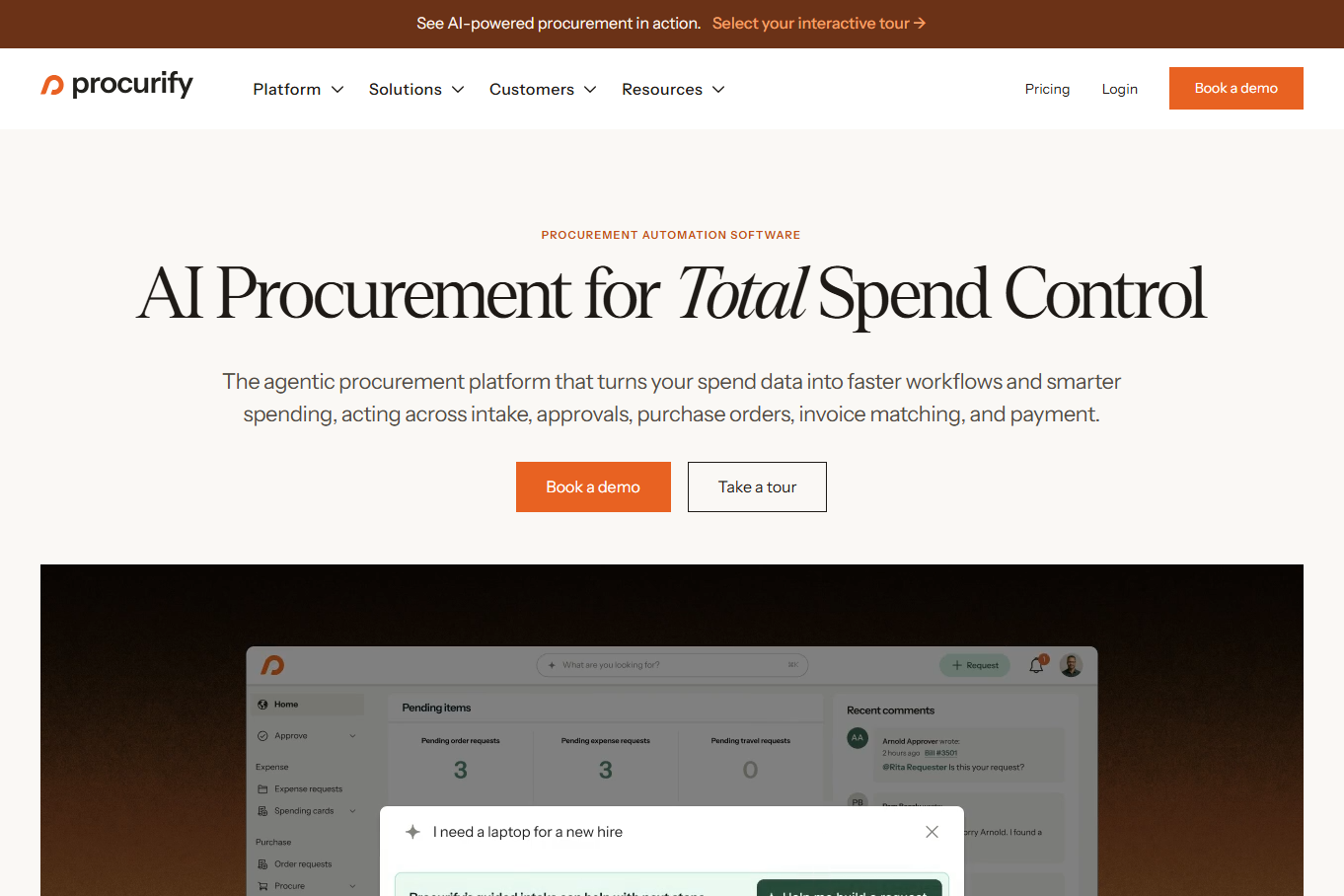
Procurify takes a different approach entirely: rather than a standalone document-capture tool, it’s a full procure-to-pay platform where receiving is one connected step between purchase orders and accounts payable.
Once a request is approved, Procurify auto-generates the PO. When goods arrive, whoever receives them opens the app, marks each line item as passed or failed, snaps a picture of the packing slip for the record, and that action automatically notifies the requester, purchaser, and AP team while triggering three-way matching against the original PO and eventual invoice. Items that don’t require physical receiving, like software or services, can be set to auto-receive.
Where it differs from the dock-first tools higher on this list: Procurify’s receiving step is closer to structured confirmation than AI extraction. A person still verifies quantities and marks pass or fail; the software’s job is connecting that confirmation to the PO, contract, and AP workflow, not reading a messy handwritten delivery note on its own.
Best for: finance and procurement teams that want purchase requests, approvals, contract tracking, receiving, and AP automation in one connected platform, with NetSuite, QuickBooks, Sage Intacct, and Dynamics 365 integrations, rather than a point solution just for the dock.
6. PackageX (LogiScan)
PackageX takes a slightly different angle: it combines OCR, barcode scanning, and computer vision into a mobile warehouse app built for high package volume and multi-tenant environments. It’s been deployed at industrial campuses and co-warehousing facilities where any employee, not just a trained receiving clerk, needs to scan and log inbound items from their own device.
It can convert a manifest or bill of lading into an inbound purchase order and check it against quantities received, automatically syncing updated inventory levels once a match clears.
Best for: retail operations, building logistics, and multi-tenant facilities where package and pallet volume is high and receiving happens across many people and devices rather than one dedicated dock team. It leans more toward parcel and building-logistics receiving than deep, manufacturing-grade ERP posting.
7. Affinda
Affinda is a document AI platform first, with packing slip processing as one of many supported document types. It splits and classifies incoming documents, extracts fields with strong contextual understanding, and transforms the output into whatever format your downstream system expects.
Its real strength is breadth. Affinda supports 50+ languages and a library of 400+ pre-built integrations, which makes it a genuinely strong option if your operation spans multiple countries or your team wants to build a custom pipeline around the extracted data.
That breadth comes with a tradeoff worth naming directly: Affinda extracts and validates the document itself, but PO cross-referencing, discrepancy logic, and ERP posting are steps your team builds on top of it, not something that ships out of the box. It’s designed to be integrated by a developer, not handed to a warehouse floor worker.
Best for: IT or developer teams that want a flexible, multi-language extraction layer and plan to build the reconciliation logic themselves. We compared it directly against ThickDot here if extraction breadth versus end-to-end automation is the exact tradeoff you’re weighing.
8. Docsumo
Docsumo is an intelligent document processing platform with an explicit three-way match capability: invoice, purchase order, and goods receipt compared automatically, with exceptions routed to a case management interface that pulls together the original document, extracted data, and any prior matching history in one screen.
It also processes broader logistics documents (bills of lading, customs declarations, waybills), which makes it a reasonable fit if your team already handles those alongside receiving.
Best for: AP and finance teams running three-way matching at scale who want a case management layer for exceptions, more than warehouse floor teams needing mobile capture. Since the tool sits closer to accounts payable than the dock, our piece on aligning receiving automation with AP and compliance is a useful read if that’s the workflow you’re solving for.
9. Nanonets
Nanonets is a general-purpose AI OCR and workflow automation platform, but it’s worth including here because it publishes a dedicated Goods Received Note OCR product, alongside a separate packing list OCR tool. You forward or photograph a GRN, Nanonets extracts predefined fields, and you build the reconciliation logic into its no-code workflow builder.
It integrates with most CRM, ERP, content management, and RPA tools already in use, and it’s a genuinely flexible, lower-cost option if your team is comfortable configuring the matching rules yourselves rather than buying them pre-built.
Best for: teams that want a no-code OCR layer they control fully, and are willing to build the PO validation and ERP posting logic themselves inside Nanonets’ workflow tools rather than getting a receiving-specific engine out of the box.
10. Rossum
Rossum built its reputation on template-free invoice processing and has extended into order management, supporting multi-channel order capture across email, EDI, web portals, and mobile. Its matching feature catches duplicate payments or bills tied to the same purchase order, and its validation layer checks customer information, inventory availability, and pricing against your business rules.
If your AP team already runs invoices through Rossum, adding purchase order and receipt matching on the same platform avoids introducing a separate point tool.
Best for: finance teams that are already Rossum customers for invoicing and want receipt matching folded into that existing workflow, rather than teams looking for a dock-first receiving tool. If approval routing for flagged exceptions is your bigger pain point, this breakdown of automated approval workflows is worth a look alongside it.
11. Unstract
Unstract is a no-code, procure-to-pay document extraction platform with an explicit GRN data extraction use case among more than 20 supported document types, including purchase orders, receipts, and return goods authorizations. It’s built with self-hosting in mind, which matters if your company needs to keep documents and infrastructure entirely in-house, and it holds SOC 2, ISO, GDPR, and HIPAA compliance for teams that need those boxes checked.
Best for: technical teams that want a self-hostable or highly customizable extraction layer to build receiving workflows on top of, rather than a pre-configured receiving application. Like Nanonets, the PO validation and ERP writeback logic is something you construct, not something you receive out of the box.
12. VirtualWorkforce.ai
VirtualWorkforce.ai is fundamentally an AI email management platform that lives inside Gmail and Outlook, triaging inbound messages, drafting context-aware replies, and pulling data from connected ERP, CRM, TMS, and WMS systems. Document processing, including extracting and validating attachments like packing slips, is a capability the platform is actively building out rather than its core, mature strength today.
It supports 60+ languages for email handling and targets logistics, IT, manufacturing, and commercial service teams that deal with high email volume.
Best for: operations that receive the bulk of their supplier documents as email attachments and want inbox triage and document capture handled by the same platform. It’s a meaningfully different architecture than a dock-first tool. We laid out the full comparison with ThickDot here, including where each one currently stands in terms of production readiness.
“Doesn’t My ERP or WMS Already Do This?”
If you’re running SAP, Oracle, or NetSuite, you might be wondering why you’d need a separate tool when your ERP already has a goods receipt function.
Here’s the honest answer: it does, but it assumes the data is already structured before it gets there. SAP’s MIGO transaction, for example, records a goods receipt, but someone still has to key in quantities and match them against the purchase order first, whether that’s a person typing from a paper packing slip or scanning barcodes one at a time. The ERP module handles the transaction. It doesn’t read a handwritten delivery note or catch that a supplier shorted you six units before the data is entered.
The 12 tools above sit in front of that ERP step, not in place of it. They handle the messy, unstructured part, turning a paper document or digital delivery note into validated, structured data, so what lands in SAP, NetSuite, or your WMS is already correct. If your team is still manually keying receipts into your ERP today, the ERP isn’t the gap. The step before it is.
How to Actually Choose One
- Map how your documents really arrive. Paper at the dock, email attachments, EDI, or a mix. This alone eliminates half the list. An email-first tool like VirtualWorkforce.ai won’t help if drivers hand your team carbon copies, and a digital-first platform like Hypatos assumes delivery notes reach you electronically.
- Decide how much of the loop you want automated. If you want extraction only and plan to build validation and ERP posting in-house, a platform like Affinda, Nanonets, or Unstract gives you that flexibility. If you want the whole process handled, prioritize tools that validate against live POs and post directly, like ThickDot, TableFlow, or Hypatos. If physical box and pallet counting matters as much as document capture, look at CrossML; if you’d rather fold receiving into a full procure-to-pay suite, Procurify does that.
- Match integrations against your actual stack, not the vendor’s list of ideal customers. Confirm your specific ERP or WMS is live today, not “on the roadmap.”
- Test it on your messiest real documents. A handwritten delivery note, a damaged scan, a multi-page packing slip with 100+ line items. Every vendor’s demo file is clean. Your Tuesday morning delivery isn’t.
- Get pricing in writing before you commit. Almost none of these vendors publish list pricing tied to your actual volume, so get a real quote before you compare total cost.
Frequently Asked Questions
What’s the difference between a goods receipt and a packing slip?
A packing slip is the physical document a supplier includes with a shipment, listing what’s inside. A goods receipt (or goods receipt note) is the internal record your system creates after that shipment is verified and accepted, confirming quantities and condition against the original purchase order. The packing slip is the input; the goods receipt is the output.
Do I still need a WMS if I use goods receipt automation software?
Usually yes. Goods receipt automation handles the capture and validation step, then posts clean data into your existing WMS or ERP. It’s not a replacement for warehouse management, it’s what feeds accurate data into the system you already run.
How much does goods receipt automation software cost?
Almost none of the vendors in this list publish standard pricing tied to volume. Most require a demo or sales conversation, with cost typically scaled to receipt volume, number of supplier locations, and which ERP integrations you need. A few, like Procurify, list starting tiers publicly, but enterprise deployment still comes down to a custom quote.
Can these tools handle handwritten or messy packing slips?
It varies significantly. ThickDot and TableFlow explicitly support handwritten notes and carbon copies as a documented capability. General-purpose OCR platforms handle clean, printed documents well but accuracy on handwriting is less consistently guaranteed, so test with your actual worst-case documents before buying.
What’s the difference between 2-way and 3-way matching?
Two-way matching compares a purchase order against an invoice. Three-way matching adds the goods receipt into that comparison, confirming the items were actually received in the right quantity and condition before an invoice gets approved for payment. Three-way matching catches more errors but requires the receiving step to be accurate and timely.
Key Takeaways
Manual receiving isn’t a data entry problem you can OCR your way out of anymore, extraction accuracy is table stakes across nearly every vendor on this list. The real decision is how much of the reconciliation loop, PO validation, exception handling, and ERP posting, you want a tool to handle versus building yourself.
- Map your document reality first. Paper at the dock, email, EDI, or a mix determines which tools are even in play before you compare features.
- Score vendors on closing the loop, not just extraction accuracy. A tool that hands you a clean file still leaves someone keying it into your ERP.
- Test on your worst documents, not the vendor’s demo file, and get pricing in writing tied to your real receipt volume before you sign anything.
If your team is still manually matching packing slips to purchase orders, what would it actually take to test one of these on next week’s deliveries?